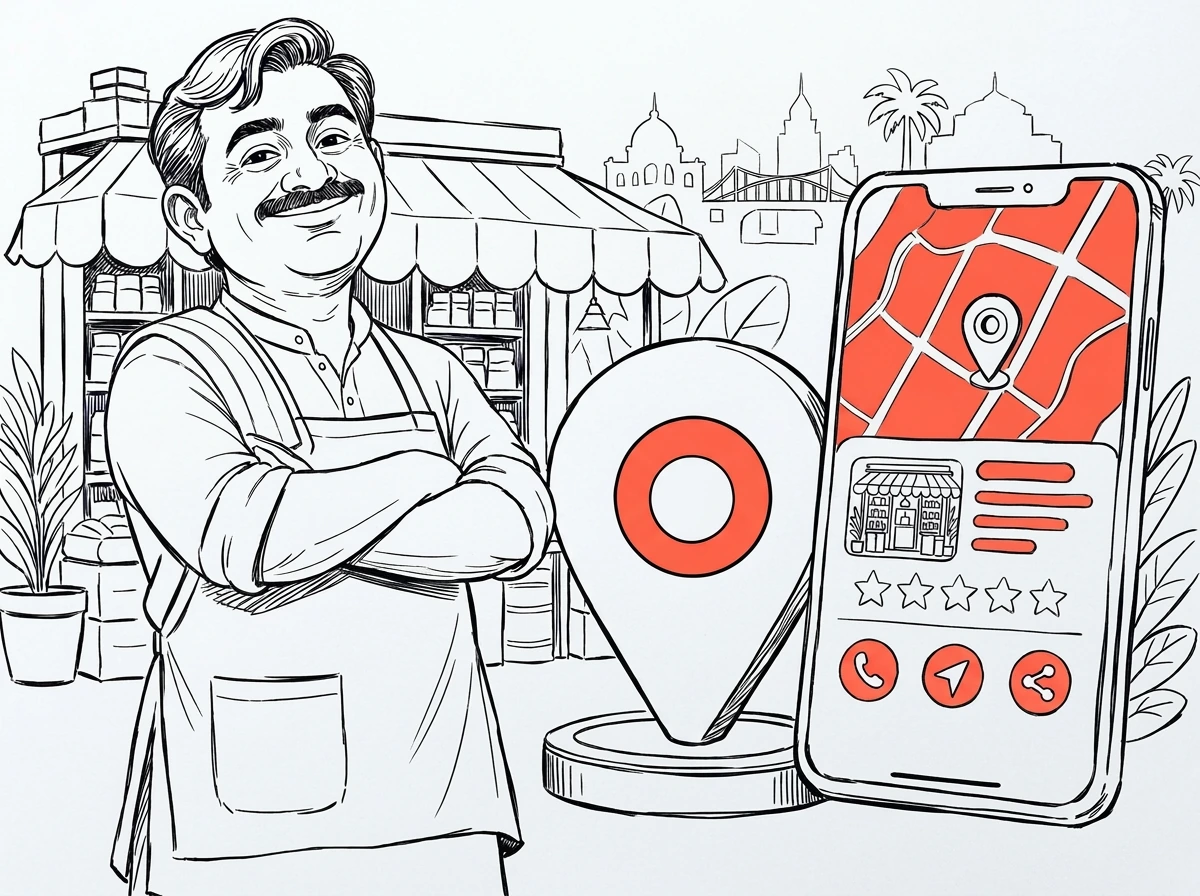
Google Business Profile, formerly called Google My Business, is the free listing that shows your business on Google Maps and in local search results. For shops, clinics, restaurants, agencies and service businesses in Bangladesh, it is often the fastest way to get calls from nearby customers.
Google Business Profile (আগের নাম Google My Business) হলো একটি ফ্রি লিস্টিং, যা আপনার ব্যবসাকে Google Maps-এ দেখায়।
Before you start
- Use a Google account you will keep, ideally a business account rather than an employee's personal one.
- Search Google Maps for your business first. If a listing already exists, claim it instead of creating a duplicate.
- Have your exact business name as on your signage, address, phone number, website and opening hours ready.
Step by step: creating the profile
- 1Go to business.google.com and select Add your business.
- 2Enter your real business name. Do not add keywords or locations to it.
- 3Choose the most specific primary category, such as 'Dental clinic' rather than 'Clinic'.
- 4Decide whether customers visit you. If yes, add the address. If you visit customers, add service areas and hide the address.
- 5Place the map pin exactly on your entrance.
- 6Add your phone number and website.
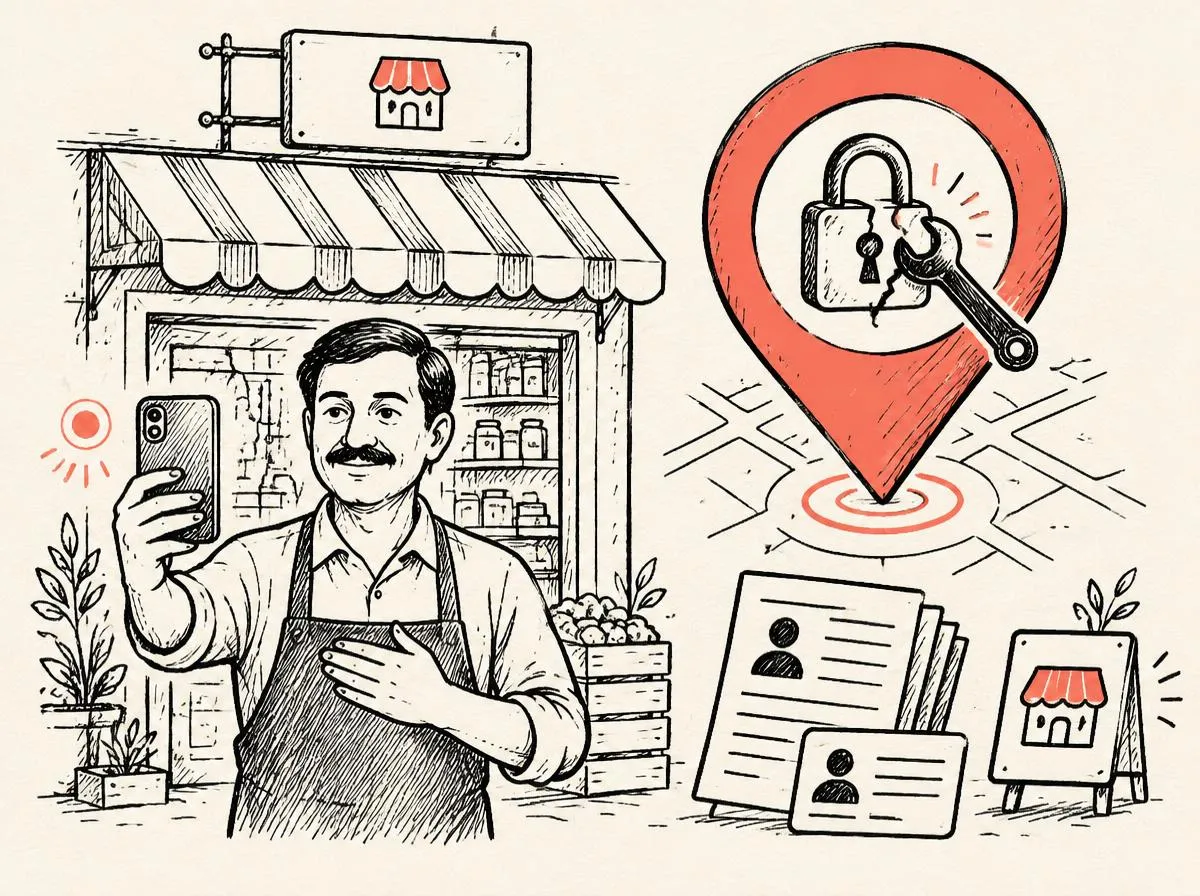
- 7Choose a verification method and complete it.
Verification in Bangladesh
Google offers different methods depending on the business: a video recording, a phone or SMS code, email, or a postcard. Video verification is now common. Prepare a single continuous clip that shows the street or nearby landmark, your permanent signage, the inside of the premises and something that proves you manage the business, such as opening the shop, using the equipment or showing business documents. Poor lighting, cuts in the video and missing signage are frequent reasons for failure.
Completing the profile after verification
- Add secondary categories that describe other real services.
- List every service or product with a short description.
- Set accurate opening hours, including holiday hours for Eid and other closures.
- Upload real photos: exterior, interior, team and work. Avoid stock photos.
- Write a business description in natural language, covering what you do and where.
- Enable messaging only if someone will reply quickly.
Getting ranked on Google Maps
Google ranks local results by relevance, distance and prominence. After setup, steady reviews, regular posts, answered questions and a website that shows the same name, address and phone number all strengthen your position. Read our local SEO guide for the full ranking plan.
প্রোফাইল তৈরির পর নিয়মিত রিভিউ, ছবি ও পোস্ট দিলে ম্যাপে র্যাংক ধীরে ধীরে বাড়ে।
Frequently asked questions
Is Google Business Profile free?+
Yes. Creating and managing a profile is free. Be careful with anyone charging for 'Google verification' as if it were an official fee.
Can I create a profile without a shop?+
Yes, as a service-area business if you serve customers at their location. You must hide your home address.
Why did my verification fail?+
Common reasons are no visible signage, a video with cuts, an address that does not match, or a name with added keywords. Fix the issue and try again.
How long until my profile appears on Maps?+
After successful verification, it often appears within a few days, although edits and ranking improvements can take longer.
Need this fixed for you?
Local SEO
When someone nearby searches for what you sell, you should be in the map pack. We build the profile, signals and pages that put you there.